
Touch typing for kids and beginner finger placement
Most children who spend time on a computer keyboard end up hunting and pecking: eyes down, one or two fingers darting around while the rest stay still. It feels simple at first, but it hits a speed limit quickly and becomes difficult to unlearn later. Touch typing for kids builds the opposite habit. Every key belongs to one specific finger, the hands rest in a stable position, and the eyes stay focused on the screen. Once muscle memory sets in, a child can write as quickly as they think.
The foundation of all keyboard practice is the home row. The left hand rests comfortably on A, S, D, and F, while the right hand rests on J, K, L, and the semicolon. On standard computer keyboards, the F and J keys have tiny raised bumps so fingers can locate home position by touch alone. Every other letter or number is reached by a short movement away from home and an immediate return, which is why structured lessons teach the home row before anything else.
The four typing courses and what each one covers
The lessons run as four courses in order: Starter, Medium, Advanced and Expert. Each course holds about twenty short practice sessions, and a session is one line to type, so a child finishes one in a minute or two instead of sitting through a long lesson. That is a few weeks of ten minute practice before anything repeats. Starter teaches the eight home keys plus the two easiest sideways reaches. Medium adds the top row. Advanced completes the alphabet with the bottom row and then moves to whole words. Expert brings in the number row and then full sentences that run letters, numbers and spaces together.
No course uses a key an earlier one has not already taught, so nothing arrives cold and a beginner never has to guess. That ordering is the reason the early sessions look almost too easy: they are building the muscle memory that every later key depends on. A child who already types with two fingers should still start at Starter session one.
Free typing lessons and practice for Chromebooks
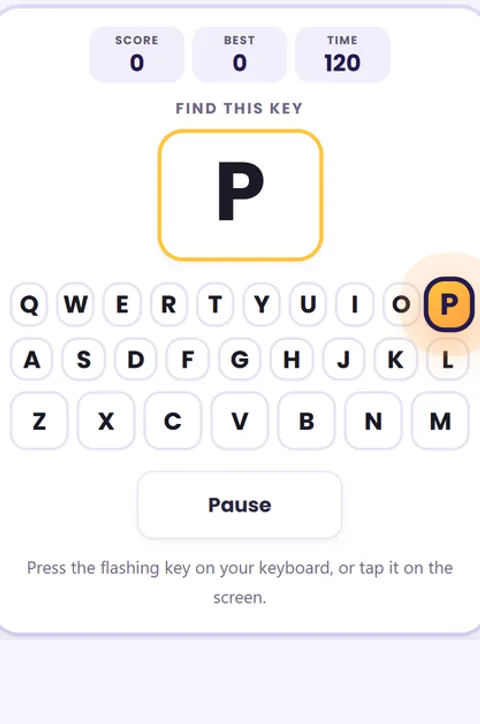
The on screen keyboard highlights each key with the color of the finger that presses it, while animated hands show the exact movement needed. Children type directly on their physical keyboard and watch letters turn green with every correct keystroke. If a mistake happens, the letter pauses in red so the child can correct the finger movement before moving on.
Finish a session and the next one loads on its own, with the tile turning green behind you, so practice keeps flowing instead of stopping at a menu. Finishing the last session in a course shows the score and offers the next course. Progress is saved in the browser on that device, which means closing the tab and coming back later picks up at the next unfinished session with no account and no login.
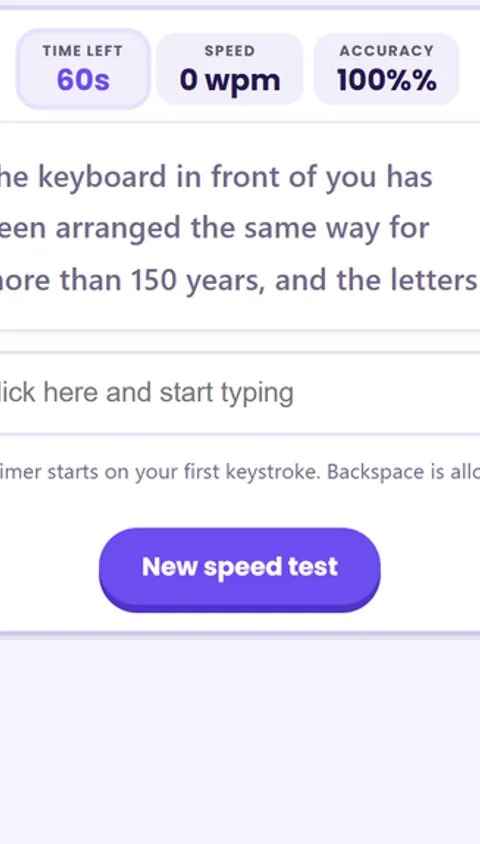
Live stats calculate words per minute and accuracy as children work through a course. Consistent ten minute typing practice sessions help elementary students build fluency much faster than irregular, lengthy sessions. Once students are comfortable with the Advanced course, they can test their progress on our free typing speed test to measure their words per minute.
Teaching kids how to type in kindergarten and elementary school
When teaching kids how to type in kindergarten, first grade, or second grade, focus on hand posture and finger familiarity rather than raw typing speed. For young learners and preschoolers who are still developing hand size and dexterity, color coded keyboarding exercises help build early letter recognition and spatial awareness. Tapping the correct keys reinforces phonics patterns and letter order alongside keyboard confidence.
In elementary classrooms, browser based typing practice runs smoothly on student Chromebooks without requiring student logins or app installations. Teachers often pair keyboard tutorials with interactive typing games and spelling games for kids to turn daily practice into engaging learning breaks.
How to teach a child to type at home
Start with lesson one on the home row keys, even if your child already knows how to type using two fingers. Early lessons feel easy by design because they establish the underlying muscle memory that all future typing speed relies on. Most children are ready to learn touch typing around age six or seven, once their hands can comfortably span the keyboard width. Using a physical computer keyboard allows the ten finger habit to develop naturally through regular, look free practice.
Frequently asked questions
What is the home row and why start there?
The home row is the middle row of letters your fingers rest on: the left hand sits on A S D F and the right hand on J K L and the semicolon. F and J have small bumps you can feel, so your hands can find home without looking. Every other key is learned as a short reach away from this base, which is why a good course teaches it first.
How do I stop my child hunting and pecking?
Hunt and peck happens when a child looks at the keyboard and uses one or two fingers. The fix is to give every key one assigned finger and to keep the eyes on the screen, not the hands. This trainer shows the correct finger for the next key and colors each key by finger, so a beginner builds the right habit from the first lesson instead of undoing a bad one later.
Can my child practice on a tablet, or is a keyboard needed?
Touch typing is a physical keyboard skill, so a laptop or a computer with a real keyboard is best, and that is how the lessons are meant to be used. On a tablet or phone your child can still tap the on-screen keys to learn where each letter lives and which finger it belongs to, which is a useful start, but the ten finger habit only forms on a real keyboard.
How long does it take a child to learn to type?
With short daily practice, most children build a comfortable home row habit in a few weeks and reach a steady, look-free typing speed over a few months. Ten focused minutes a day beats a long session once a week, because touch typing is muscle memory, and muscle memory is built by repetition. These typing lessons are free and need no login, so a child can practice a little every day with no barrier.